Zu Produktinformationen springen
1 von 2

Jascha Süss

Touchdesigner Workshop - 12.- 13.March.26

Touchdesigner Workshop - 12.- 13.March.26

Normaler Preis €300,00 EUR
Normaler Preis Verkaufspreis €300,00 EUR
Sale Ausverkauft
Inkl. Steuern.

Nicht vorrätig

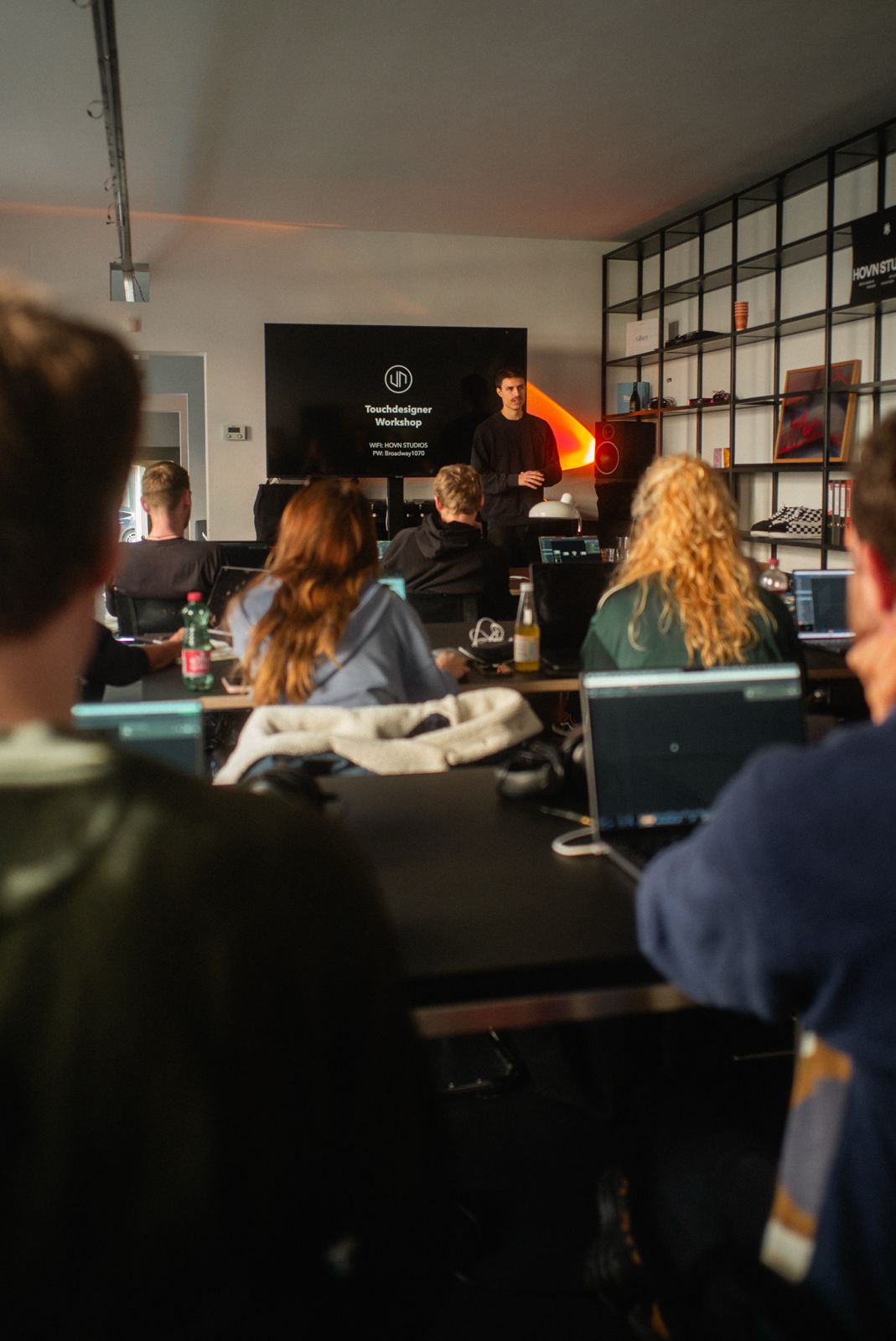
Join us for a two-day workshop focused on building and performing real-time visuals using TouchDesigner. Whether you are a musician wanting to create your own show, or a visual artist looking to perform alongside DJs, this course will give you the tools to build a reliable, creative performance system.

In this hands on Workshop you will learn the fundamentals of Touchdesigner, and how to utilize it to create generative Live Visuals.

We will cover the basics of Touchdesigner, navigating the interface and what the features of different operators. To make visuals react to audio we have a look at audio reactivity and how to set it up. For the best hands on control we'll see how to connect Midi controllers and map your parameters to knobs. We will take a look at how to create your own performance interface and how to actually display your visuals on an external screen or projector. 

Core Topics: 

  • 🎵 Audio Analysis: Visualize frequencies and beats in real-time.
  • 🎛️ Hardware Integration: Connect MIDI devices for tactile control.
  • 📽️ Output: Get the Visuals out to the projector or screen.

The structure of the workshop days should be a mix of lecture for the first half of the day and a more open experimental workshop setting for the second half to enable creative exploration. 

The Workshop days are beginner friendly, you don´t need any previous knowledge as we are going to cover everything from scratch.


What is provided ?

  • Projector for each participant 
  • Midi Controller for each participant
  • Certificate of attendance

What do you need to bring ? 

  • Laptop with HDMI Output
  • Mouse & Charger
  • Latest Version of Touchdesigner

If you have any questions don´t hesitate to contact me - office@jaschasuess.com

Vollständige Details anzeigen

Any questions ?

What topics are going to be covered in the workshop ?

First, we will explore Resolume Arena, the industry-standard software for live visuals. With this tool, you can mix videos to match the music and create interesting effects. We will examine the user interface, clips, layers, and groups, as well as how to create effects and import videos or generative graphics. Additionally, we will look at how to output your video using a projector to display content on specific parts of the screen. This process is known as “mapping.”

In Blender, we will cover the basic user interface and navigation, and learn how to recreate the object we are projecting onto. This allows us to create 3D illusions and dynamic animations. The combination of Blender and Resolume is incredibly powerful and provides the perfect introduction to creating live visuals.

On the second day we cover advanced projection mapping techniques in Touchdesigner. We will have a loot at creating content directly inside Touchdesigner as well as some different workflows for projection Mapping.
A great power of Touchdesigner is creating workflows for reprojetion so you can have a different sweet spot perspective than the projector perspective. These are some of the techniques we are going to cover.

What is Projection Mapping ?

Projection mapping is the technique of using projectors to turn any surface—like a building, object, or even a stage—into a video screen. Unlike regular projections on a flat wall, this technique maps the visuals so they perfectly fit the shape of the surface, no matter how uneven or complex it is. You can make walls move, objects glow, or entire spaces come alive with animations, colors, and effects. It’s like turning real-world objects into giant movie screens, and it’s widely used for events, art shows, and performances.

What are Live Visuals ?

Live Visuals describes the mixing of videos during a Live Event in a performative way. Using VJ Software and mediums like projectors and LED Screens you can synchronize visuals to the music and create an immersive experience.  

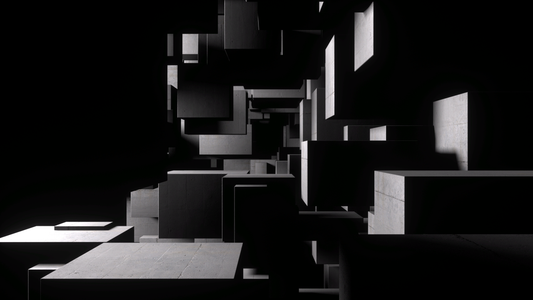
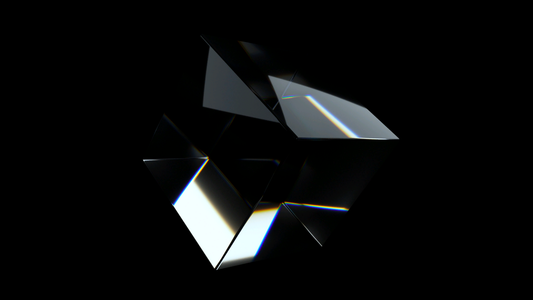
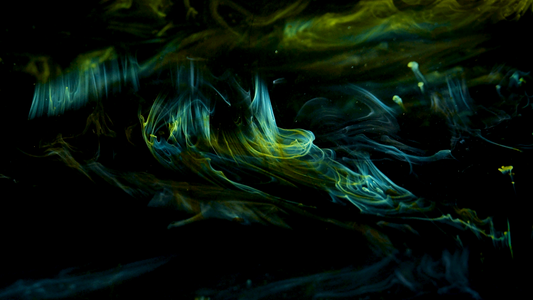
Featured Visuals